
Walking into the baby monitor aisle, or scrolling through the options online, tends to raise more questions than it answers: audio or video, wifi or not, and what to make of the monitors that promise to track your baby’s breathing or movement. This isn’t a ranking of specific brands or models, since that kind of hands-on comparison isn’t something this article can responsibly do. It’s a walk through the actual categories of monitors, what each one does and doesn’t do, the safety guidance around cords and placement that’s easy to overlook, and where the marketing claims get ahead of the evidence.
The three broad categories
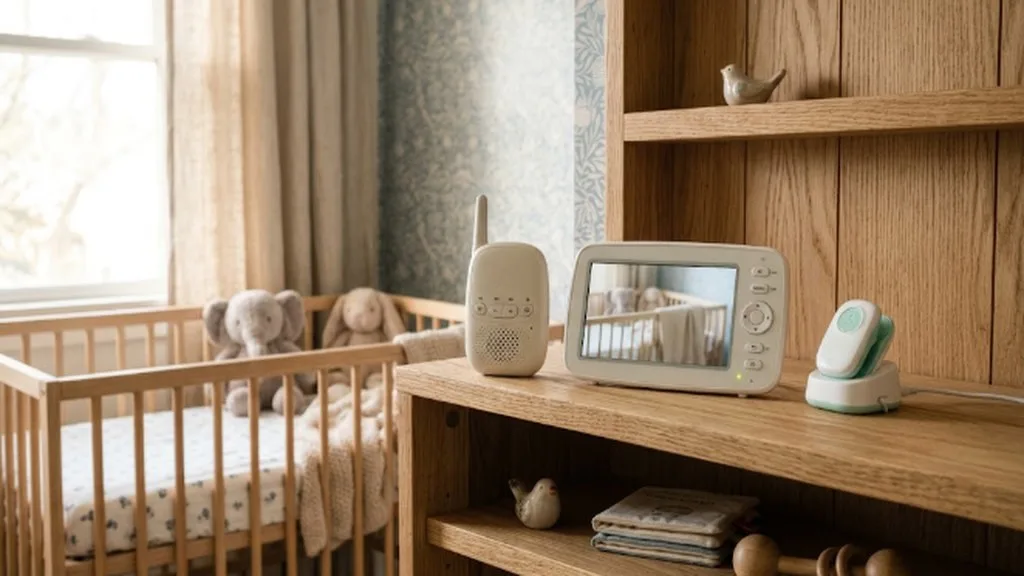
Audio-only monitors are the simplest option: a transmitter in the nursery and a receiver you carry with you, sending sound only. They’re generally the least expensive category, have the fewest things that can go wrong, and for many parents in smaller homes or apartments, a monitor is more of a convenience than a necessity in the first place, since you can often hear a baby without one.
Video monitors add a camera, usually with night vision, so you can see as well as hear. Some use a dedicated handheld receiver with its own screen, while others rely entirely on a smartphone app over wifi. The dedicated-receiver style tends to have a more reliable, lower-latency picture and doesn’t depend on your home internet connection, while app-based monitors usually offer more features (multiple camera views, motion alerts, recording) but introduce internet and account security as something you now need to think about.
Movement and breathing monitors are the third category, usually a pad placed under the crib mattress or a wearable sock or clip that tracks a baby’s movement, breathing pattern, or oxygen levels and alerts you if it detects a pause or abnormal reading. These are marketed heavily around SIDS prevention and infant safety, which is worth addressing directly given how much that framing shapes buying decisions.
What the evidence actually says about breathing and movement monitors
The American Academy of Pediatrics has been direct on this point: home monitors, including consumer wearables marketed for this purpose, give little or no protection against SIDS, and research hasn’t shown a clear link between the kind of brief apnea these devices detect and SIDS risk. The AAP has identified home infant apnea monitors as unnecessary for healthy babies through its Choosing Wisely campaign, and has also noted that false alarms from these devices are common and can increase parental anxiety rather than provide reassurance. Monitoring devices are sometimes recommended in specific medical situations, such as for babies who need home oxygen or have a diagnosed breathing condition, but that’s a decision made with a pediatrician based on an individual baby’s medical needs, not a general recommendation for healthy infants.
None of this means movement or breathing monitors are unsafe to use if a family wants the peace of mind, and plenty of parents find them reassuring regardless of what the underlying evidence shows. But it’s worth going in with accurate expectations: the AAP’s actual safe sleep recommendations, back sleeping, a firm flat mattress, and a bare crib with nothing loose in it, are what the evidence shows reduces SIDS risk, and a monitor isn’t a substitute for those practices regardless of what a product’s marketing implies.



Cord safety: a real and underappreciated risk
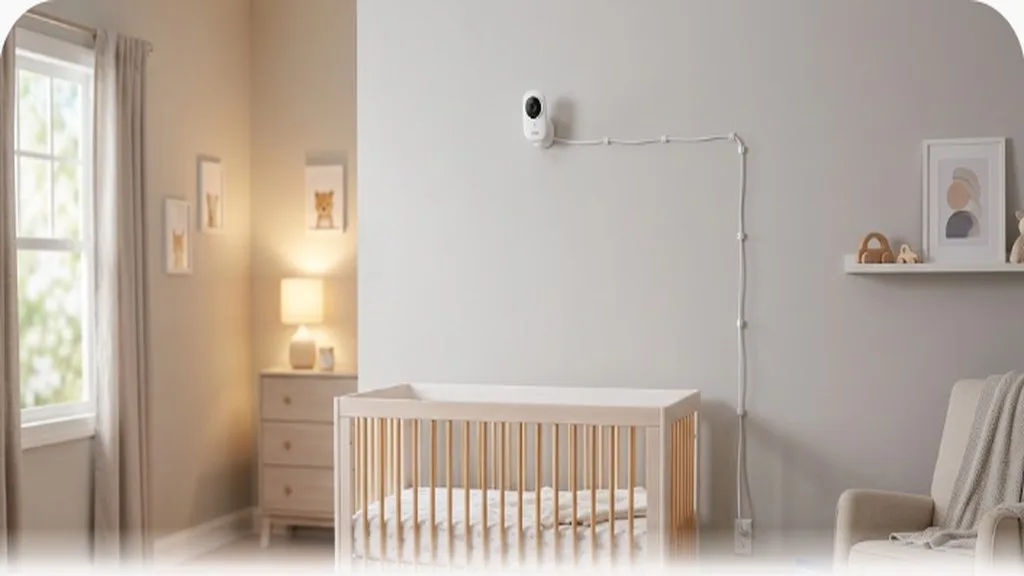
The Consumer Product Safety Commission (CPSC) has issued specific warnings about baby monitor cords, and this is worth taking seriously rather than treating as an abstract precaution. Since 2002, several children have died or nearly died from strangulation involving monitor cords, generally between 6 and 20 months old, an age range where babies are mobile enough to reach a cord but not yet able to free themselves from one. The CPSC’s specific guidance is to place any monitor cord at least three feet away from any part of the crib, bassinet, play yard, or other sleep space, and to never position a monitor inside a crib or attached to its edge, however convenient that placement might seem for getting a good camera angle. This applies to wall-mounted monitors and any other cords in the room as well, all of which should stay well outside of a baby’s reach as they grow and become more mobile.
Cordless, battery-powered cameras remove this particular risk, but battery life and charging habits become the trade-off, and a monitor that’s died overnight isn’t monitoring anything. Whichever style you use, it’s worth periodically checking where the cord actually sits as your baby grows and starts pulling up or reaching further than they used to; a placement that was safely out of reach at three months might not be by eight or nine.
Wifi versus non-wifi: what you’re actually trading off
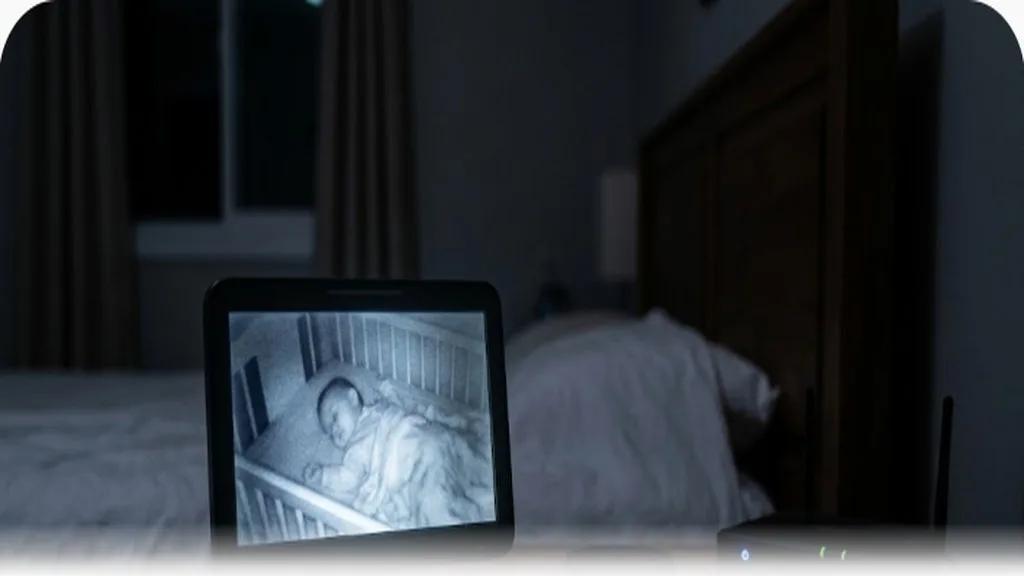
Non-wifi monitors operate on their own closed radio frequency between the camera and receiver, which means there’s no internet connection to secure and no account to worry about, but also no remote access; if you leave the house, the monitor generally doesn’t work beyond a limited range. Wifi and app-based monitors let you check in from anywhere with an internet connection, often with extra features like two-way audio, motion and sound alerts, and cloud recording, but they also mean the monitor is a connected device on your home network, with the security considerations that come with any smart home product.
If you go with a wifi monitor, a few basic security habits are worth adopting: use a strong, unique password rather than a default one, enable two-factor authentication if the manufacturer offers it, and keep the monitor’s firmware and companion app updated, since security patches for known vulnerabilities are usually delivered through updates. It’s also worth checking a specific product’s security track record and whether the manufacturer has had past incidents with unauthorized access, since this varies a lot between manufacturers and isn’t something this article can evaluate on a brand-by-brand basis.
What to actually think about when choosing
Range matters more than people expect, especially in larger homes or homes with a lot of walls and floors between the nursery and where you’ll typically be; a monitor with a range that’s technically sufficient on paper can still struggle with real-world interference. Battery life matters for any cordless component, particularly if you plan to travel with it. Night vision quality varies quite a bit and is worth checking before buying if you plan to rely on the video feed overnight, since some cheaper cameras produce a grainy or low-contrast image in low light that isn’t very useful in practice. And if a monitor connects to your home network, it’s worth a quick look at what data the company collects and how, since privacy policies for connected devices vary considerably.
Do you need one at all
Plenty of parents go without a monitor entirely, especially in smaller homes where a baby’s cries are easily heard from another room, and it’s not considered a safety-critical item the way a car seat or a compliant crib is. A monitor is a convenience and a peace-of-mind purchase, not a requirement, and there’s no evidence that having one changes outcomes for the baby one way or another. If you do want one, it’s worth thinking honestly about what problem you’re actually trying to solve, whether that’s hearing your baby from a bigger house, seeing them without going in and risking a wake-up, or wanting the reassurance of a movement alert, since that answer will point you toward a different category of device far more usefully than a features list will.
Secondhand monitors and hand-me-downs
Unlike a car seat, a used baby monitor doesn’t carry the same kind of hidden structural risk, so borrowing or buying one secondhand is generally more reasonable than it would be for sleep or car seat gear. That said, a few checks are worth doing before using one. Confirm the specific model hasn’t been recalled, since monitor recalls do happen, usually over battery, charging, or cord defects rather than anything more exotic. Check that the cord is intact with no fraying or exposed wire, and that it still meets the three-foot-from-the-crib placement guidance regardless of who used it last or how they had it set up. For a wifi-connected monitor, treat a secondhand unit the way you’d treat any used connected device: do a full factory reset, set a new password, and update the firmware before putting it into service, since you have no way of knowing what accounts or access a previous owner may have left connected to it.
Using more than one camera or covering more than one room
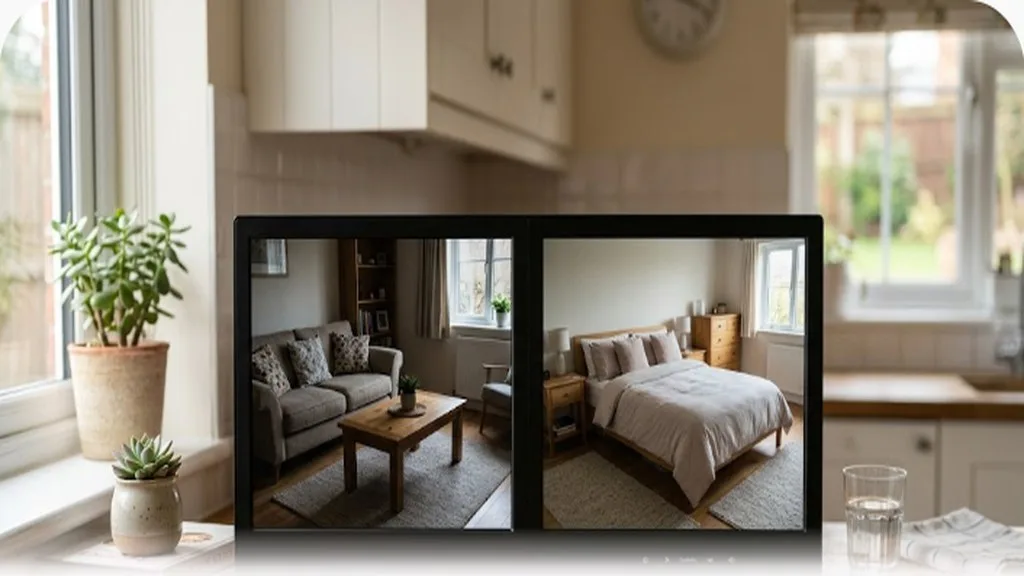
Once a baby starts sharing a room with a sibling, or once you’re monitoring a nursery and a playroom, some families add a second camera rather than replacing their existing monitor entirely. Most app-based systems support multiple cameras on one account and let you switch between views, which is usually simpler than running two completely separate monitor systems with their own receivers. If you’re using a dedicated-receiver style monitor instead, check whether the specific model supports multiple cameras before assuming it does, since not all of them do, and adding a second camera sometimes means buying into a different product line entirely rather than just purchasing an add-on unit.
Country-specific notes worth knowing
Wireless device regulations and radio frequency standards differ by country, so a monitor sold in one region isn’t always legal or fully functional in another; the FCC regulates these devices in the US, Ofcom in the UK, and similar bodies exist in Canada (ISED) and Australia (ACMA). If you’re buying a monitor while living abroad or planning an international move, it’s worth checking that a specific model is certified for use in your country rather than assuming compatibility. Consumer product safety recalls for baby monitors, including cord and battery issues, are tracked separately by each country’s safety agency (CPSC in the US, similar bodies elsewhere), so checking your own country’s recall database before use is a reasonable habit regardless of where you bought the monitor.
FAQ
Do I actually need a breathing or movement monitor to keep my baby safe?
No. The AAP has stated these devices provide little or no protection against SIDS and are not recommended for healthy infants. The practices shown to reduce SIDS risk are safe sleep practices like back sleeping and a bare, firm sleep surface, not monitoring devices.
Is a video monitor safer than an audio-only one?
Neither is inherently safer for the baby; they serve different purposes. A video monitor lets you see as well as hear, which some parents find more reassuring, but the safety guidance around cord placement and safe sleep applies equally regardless of which type you use.
How worried should I be about wifi monitor security?
It’s a real consideration but a manageable one with basic precautions: strong unique passwords, two-factor authentication where available, and keeping firmware updated. If you’re particularly concerned about a connected camera in your home, a non-wifi monitor removes that risk category entirely.
The bottom line
The genuinely safety-relevant guidance here is narrower than the marketing suggests: keep any monitor cord at least three feet from the crib and never inside it, understand that breathing and movement monitors aren’t a substitute for safe sleep practices regardless of what they’re marketed to do, and take basic security precautions if you choose a wifi-connected device. Beyond that, audio versus video, wifi versus non-wifi, and which specific features matter to you are genuinely personal preferences rather than safety questions, and it’s reasonable to choose based on your own home, budget, and what would actually give you peace of mind.

Hi everyone, i’m Eddy from Africa-Mozambique. I’m Passionate about thing and that’s why i started this blog- to share what i discover. Hope you like and support this project.